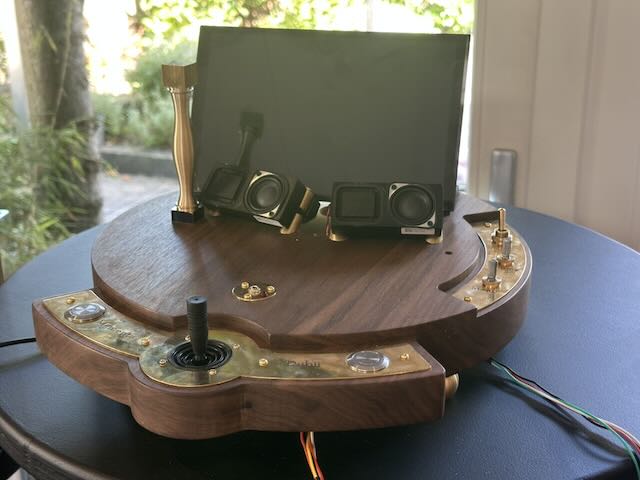
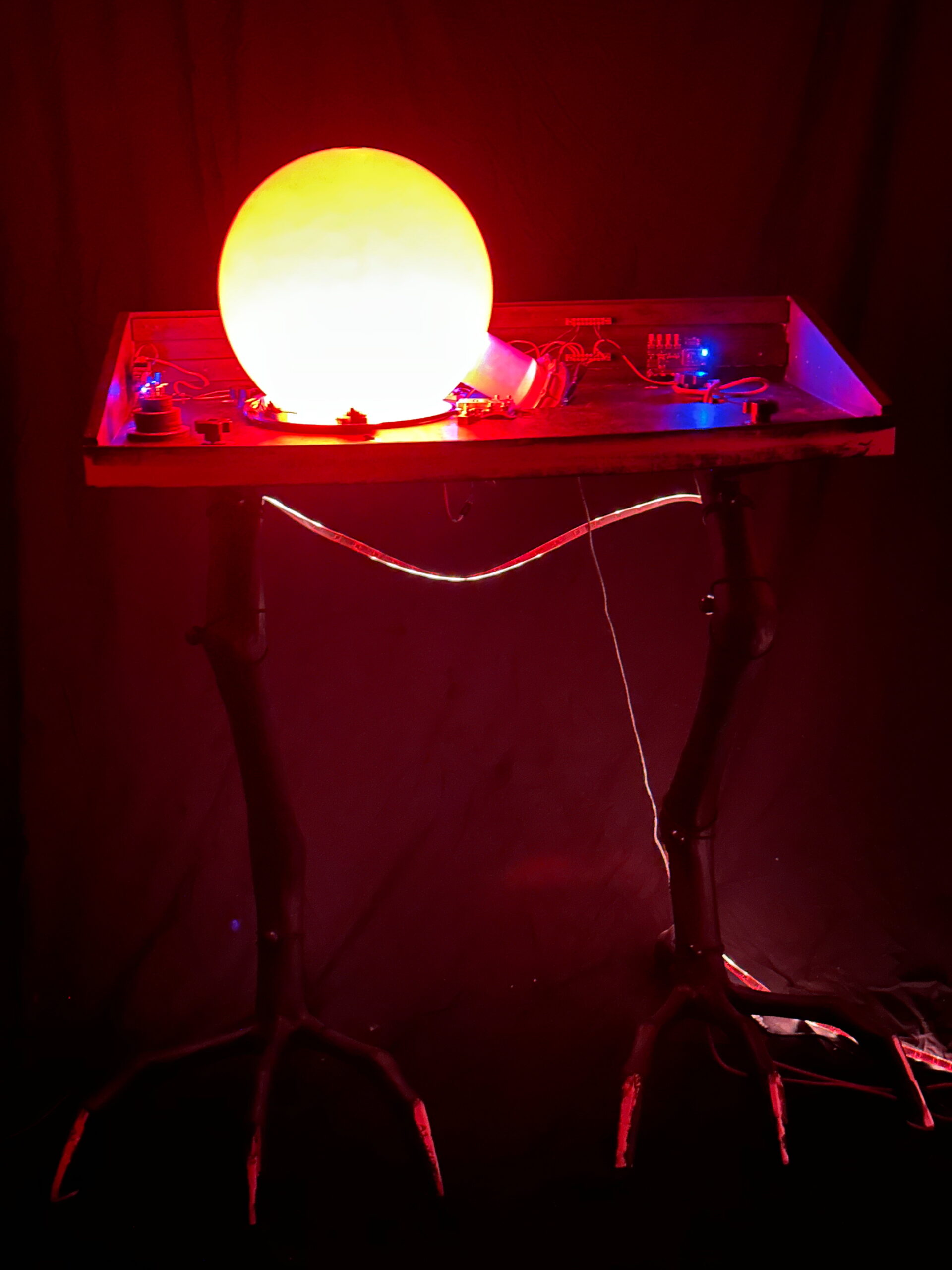
The Milgram is a new work under construction. The name is derived from Stanley Milgram, the American psychologist who gained worldwide fame in the 1960s for his experiments in which he had subjects administer electric shocks to other subjects. Two out of three people would do this if ordered to do so by a higher authority, such as a chief or an officer in an army. In 1961, Adolf Eichmann, the last of the major Nazis, was sentenced to death following a notorious trial in Jerusalem. The whole world wondered how it was possible that such a puny little man—he could have been your neighbor—had devised the almost industrial process by which millions of Jews were murdered. Milgram’s experiments seemed to provide a clear answer to this. For over fifty years, his conclusions were unassailable in psychology. When I learned about it as a first-year student, the ethical side of his research—fortunately, harming other people in the name of science was no longer possible in 1989—was indeed called into question, but not his conclusions. It was not until 2013 that psychologists took another close look at the lab reports of the experiments. And a different picture emerged: most people were not nearly as compliant under the influence of an authoritarian research supervisor. Many made their displeasure known clearly and wanted to stop when the reactions of the ‘student’ in the adjacent room became more intense. The new installation is therefore not a tribute to Milgram, but a “memento dubii”: remember to doubt. Seemingly hard scientific facts can, upon closer inspection, prove to be more fragile than expected, certainly in the humanities!
With this machine, I bring a number of classic psychological experiments, such as the Stroop test, the Go/No-go test, and the Trailmaking Test, to life. But every time you make a mistake, you are ‘punished’ with a spectacular lightning flash and accompanying bang on top of the installation.
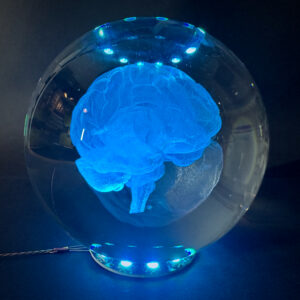
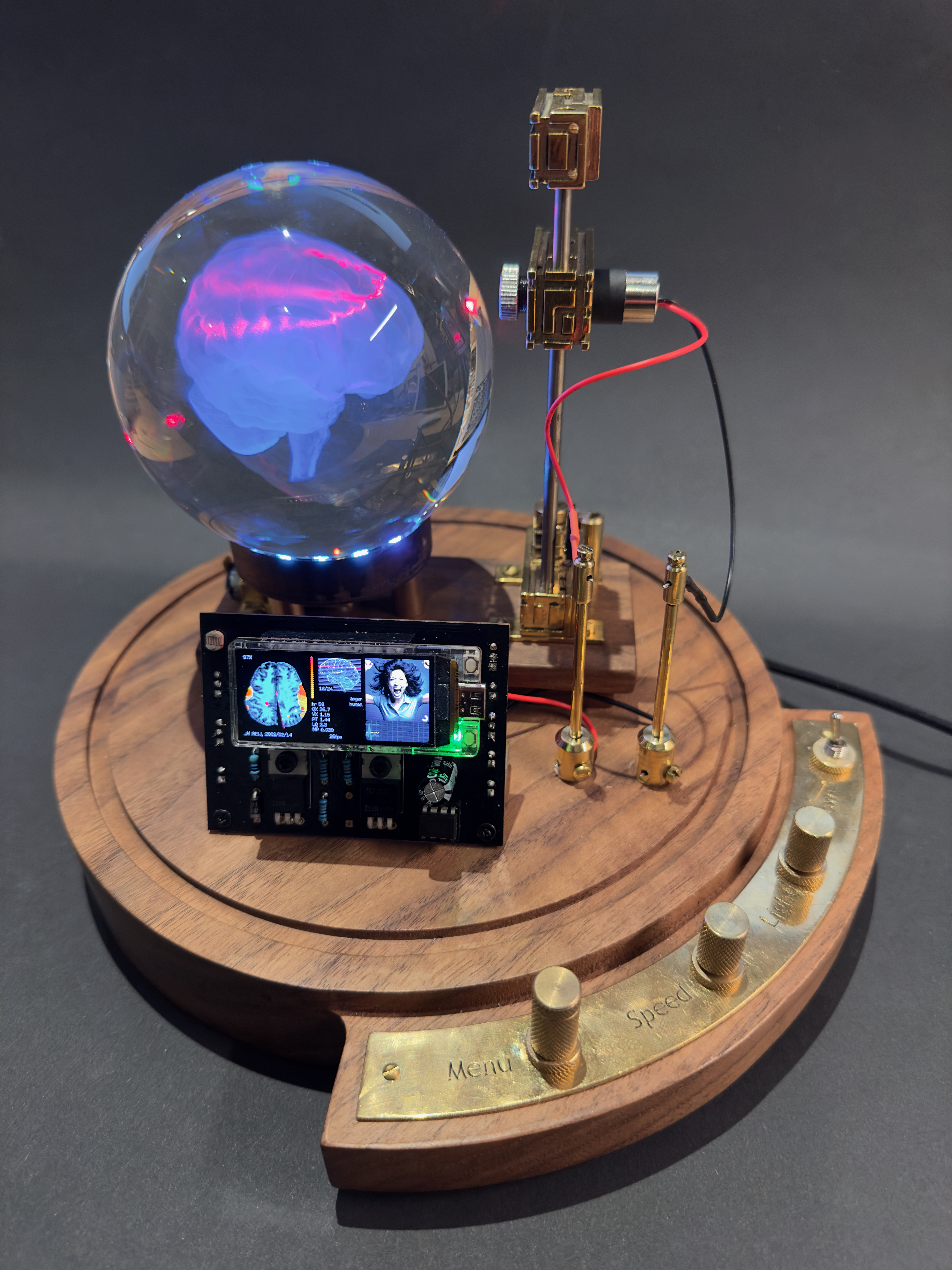
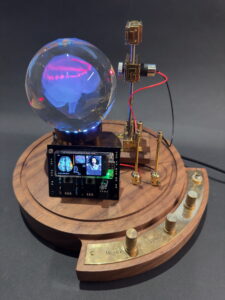
It started with a crystal ball. Inside it had an intricate 3D model of the human brain. Eversince my daughter started studying Psychology, we’re giving each other brain-related presents.
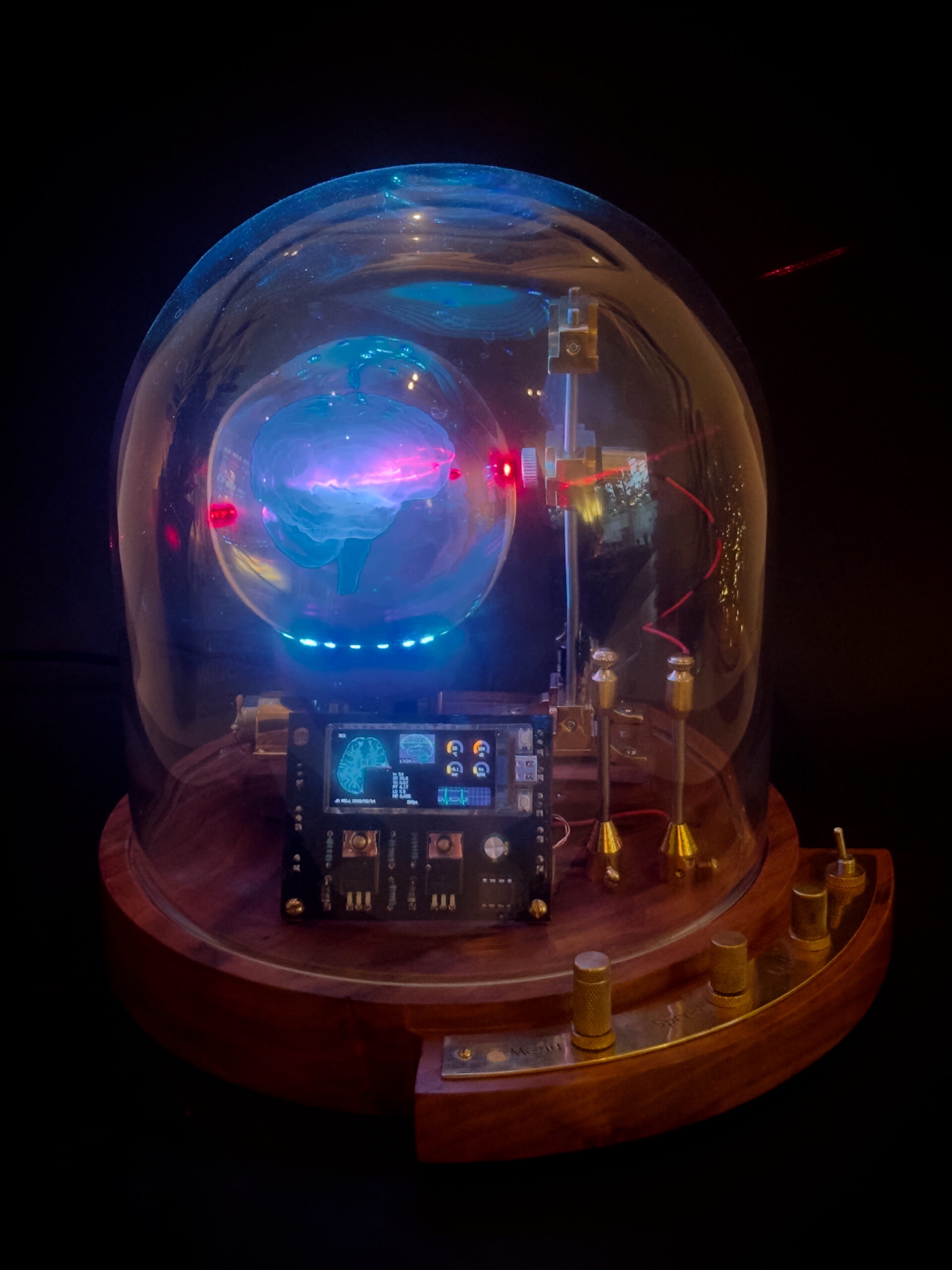
The crystal ball came from AliExpress and was beautiful in its own right. The general idea is to illuminate these from below, making the brain stand out beautifully. However, I happen to have a drawer full of laser leds and was curious to see what would happen when using these to light up the model. A red laser with a lens that spreads the beam into a line, immediately hit home. It illuminated a perfect slice of brain, bringing to mind the way that a modern (f)MRI or CT scanner maps our brains.
I have a background in psychology myself, but when I graduated 30 years ago, the medical technology available today was still in the realm of science fiction.
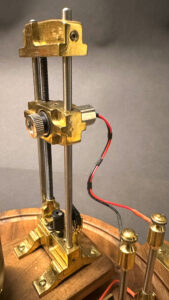
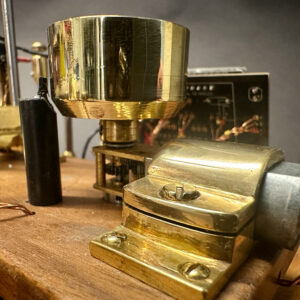
To simulate the slice-by-slice nature of an MRI-scan, I started by making a slider mechanism that moves the laser up and down. I used a series of beautiful, tiny, electric motors with an exposed brass gearbox so you can actually see the gears spinning when moving the laser. Some of these motors come with a lead screw attached: perfect for fairly slow movements up or down. To track the position of the laser, I embedded a tiny magnet in the base of the lead screw, which triggers a Hall-effect sensor at every rotation. To establish a known starting point directly after switching on the machine, I added a microswitch near the lowest point of the slider.
The lead screw on the N20 motor is a metric M4 size, for which I had the thread taps readily available. I decided to expose the leads of the laser and connect them to two clearly visible poles. This way I didn’t need a fancy way of conducting the energy with sliding contact points. And it doesn’t detract from the overall aesthetic.
The next challenge was the crystal ball rotation. Where real scanning machinery revolves around the patient being scanned, I decided that just rotating the crystal ball would be clear enough. While the ball rotates, the laser illumination is not equally strong everywhere, which gives a fascinating play of light.
Safety concerns
Lasers are not toys. Any concentrated laser beam can cause eye damage when aimed directly at the eye. I use a low-power 10 milliwatt laser module emitting red light. The lens in front of the laser disperses the concentrated beam and creates a line that is projected into the crystal ball. This line is reflected by some of the thousands of miniature ‘cracks’ in the glass that form the transparent 3D model of the brain.
I have been trying to assess the danger of people watching these small reflections, but haven’t found a definitive answer. A request to have this machine tested by the TÜV institute was declined politely as being too small-scale.
In the hours and hours of developing the machine I have not experienced any negative effects, but if there’s someone knowledgeable reading this, I would love to hear their opinion!
The crystal ball has a 10 centimeter (~4 inch) diameter and weighs 1.3 kilogram. I used a small motor similar to the one used for the slider, but this one has a small worm gear to reduce the rotation speed and increase the torque. The ball rests on a brass holder I machined to fit neatly inside a round Neopixel ring with 12 full color LEDs. Like with the slider mechanism I used a small magnet and a Hall-effect sensor to detect a full rotation.
ESP32-S3
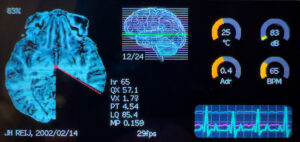
Controlling the motion of the slider and the crystall ball is handled by an ESP32-S3 microprocessor equipped with a small but very high-resolution OLED display. The display measures 1.91 inches diagonally but still packs 536 by 240 pixels. I chose this display for its rich colors, high resolution and because I wanted to direct most of the attention to the 3D brain model and the play of light.
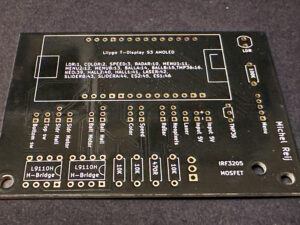
With the help of a great series of video tutorials on YouTube I created my own PCB to connect the microcontroller to some electronics component driving the motors and Hall-effect sensors. I had this PCB machined in China and it works brilliantly.
Despite the small screen connected to the ESP32-S3, I wrote a rather big and richly detailed simulation of a brain scanner. The various modes available are accessed using a rotary controller controlling a menu on the screen.
The first item in the menu is labelled “Full brain scan”. It starts with the laser moving down to the brain stem. Once it’s there, the ball will spin 360 degrees with the laser highlighting a slice of the brain stem. On screen you see a simulated scan, building up from zero degrees to 360. Once the scan is complete, the ball stops, the laser stops and the slider moves up to the next slice, to then repeat the scan sequence.
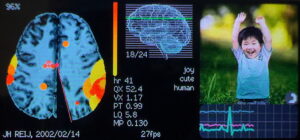
The second item in the menu is called “Emotion mapping”. Here the laser moves to a fixed vertical position where the neocortex is prominently present. The simulation is showing a stimulus, a photo with a certain emotion, on the right side, while the scan on the left shows with bright yellow to red colors which areas of the brain have been activated by the stimulus. The little heart rate monitor is also influenced by the stimuli, accellerating when fear or anger are shown and slowing down when there are more positive emotions visible.
Other scanning modes are based on both well-established tests like the Trail-making Test and some infamous psychological tests like the Rorschach.
Tehuti light patterns
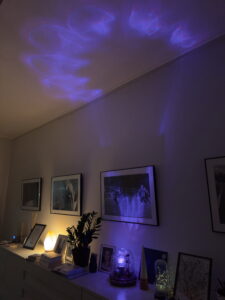
A funny side effect of the LEDs under the ball is the beautiful light projections on the ceiling. I created two menu options to use this effect when the machine is not in active use. There’s a built-in sleep timer that switches off all lights and motors after 10 minutes of absence of human beings, as detected by a small human presence detector. It comes back to life as soon as it detects a presence.
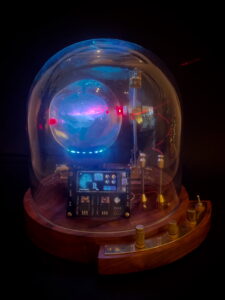
The base of the machine is made from a solid solid slab of FSC-controlled American Walnut. This is my favorite type of wood due to its warm color and its excellent machining properties. It’s basically round with a quarter circle appendix for the few controls of the machine. A glass dome protects the machine from dust and fingerprints.
Over time I have started to regret my choice for the small screen because I spent much more time programming the simulation than in creating the brass and wooden hardware elements. Most of the little jokes I included, like a little snake writhering through the brain scan when seeing a stimulus image of a snake, can only be seen with a magnifying glass. Next versions will feature a bigger screen.
I will produce a small series of this wonderful machine, with a bigger screen. If you’re interested, please contact me.
How did life emerge on Earth? Are we the only ‘living’ planet in the universe? How can something as fragile as a living organism colonize an entire planet? Do all living beings on our planet descend from one and the same common ancestral cell?
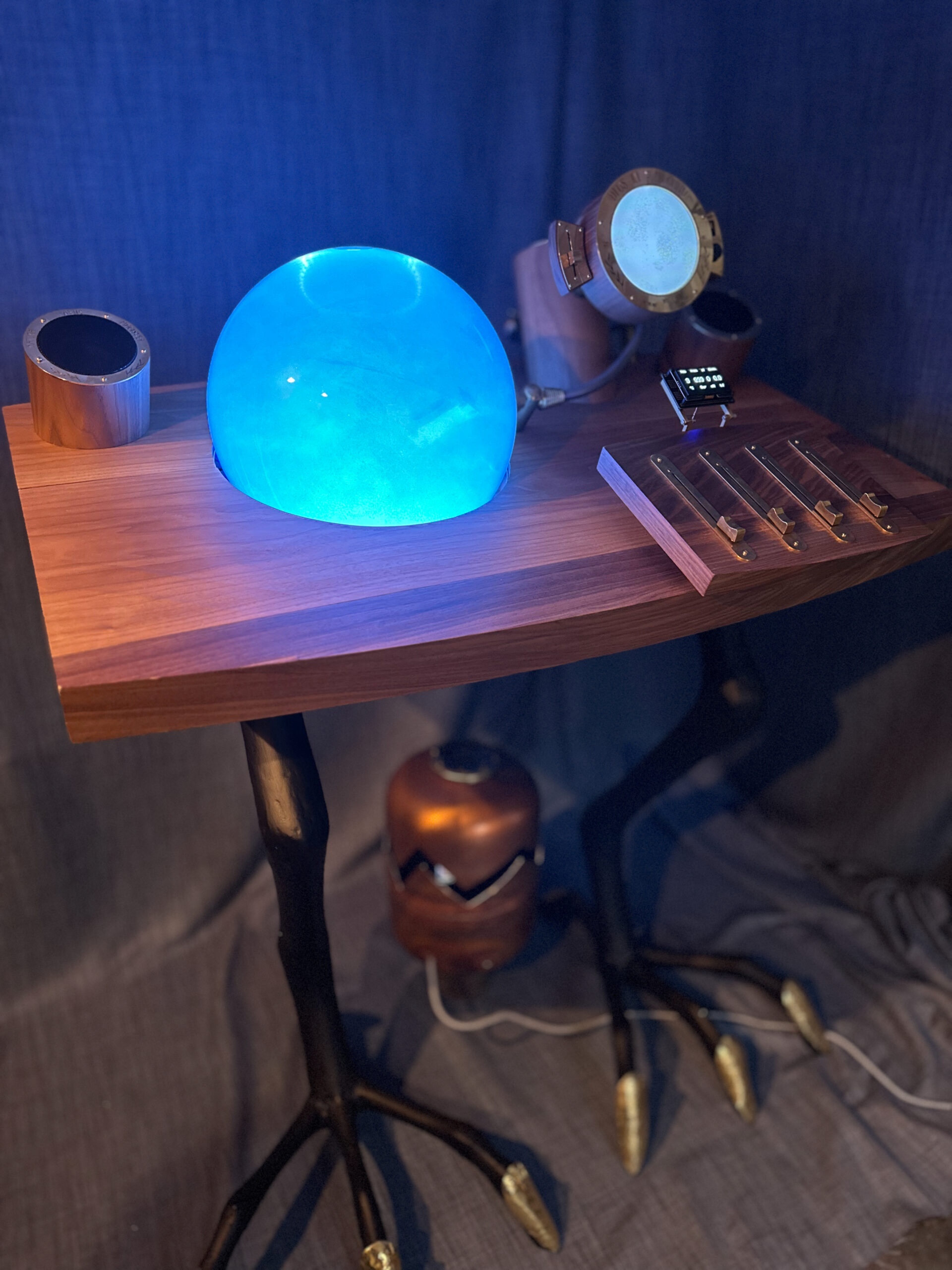
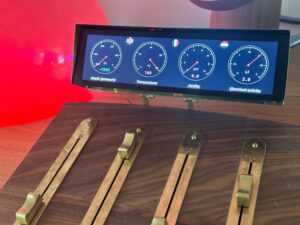
An elegant installation of brass and American walnut stands on large black bird legs. Beautifully finished. The big glass sphere displays a turbulent ‘primordial soup’. Blue when cold, red when overheated.
The microscope shows what is happening inside the sphere. Four large sliders beg to be moved. The Origin of Life takes you back 4 billion years, when the first life originated on Earth. Now it is up to you to create the right conditions…
Simulation
Here you can experiment with the Origin of Life simulation yourself:
Hydrothermal vents or tidal pools?
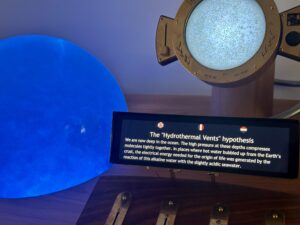
We know little for certain when it comes to something that happened 4 billion years ago. There are no clear theories explaining how the first life originated and where it happened. There are only ‘hypotheses’: possibilities. Currently, the “hydrothermal vents” hypothesis is the most prevalent in science, followed by the “tidal pools” hypothesis. The Origin of Life lets you experiment with both possibilities: either at the sea surface near the coastline or deep underwater at the hot springs on the seabed. If you manage to get the conditions right, you see how molecules clump together into intricate constellations with a cell membrane and often specialized regions as well. But whether that is already life remains an open question.
Science Communication
The Origin of Life encourages visitors to actively reflect on a complex issue such as the origin of life, which took place on a timescale unimaginable to us. These are some of the recurrent themes in my conversations with visitors:
When is something alive?
What does a transition from ‘lifeless’ to ‘living’ look like? What was required for it?
Did life emerge once and are we the result of that? Or did it happen billions of times and fizzled out billions of times?
Why are scientists fairly certain that all life on Earth originated from one and the same ancestral cell?
What would other, earlier forms of life have looked like?
What changes has Earth undergone caused by all living organisms?
What are the consequences of climate change for life on Earth?
If there are billions of stars, each with many more planets, surely there must be one somewhere that is reasonably comparable to our planet?
If we already find complex molecules, such as amino acids, on asteroids passing by by chance, what does that mean for the chances that there is life somewhere outside of Earth?
It’s not always easy to start a conversation with the wider audience, but the Origin of Life strikes a chord with every visitor: this has no resemblance to anything we encounter in daily life, so it must be interesting! And once engaged, the subject of the emergence of life turns out to be remarkebly fascinating for many people.
Origins Center
In the Netherlands we do a lot research into the origin of life. The Origins Center is the umbrella organization for the more than 380 Dutch researchers in this field: biologists, geologists, mathematicians, chemists, and astronomers. They have compiled a very nice, accessible brochure: Oorsprong.
On May 19, 2026, I presented my Origin of Life at the annual conference of the Origins Center in Kerkrade. To my surprise even serious researchers are enthralled by my unique visualization of their field.
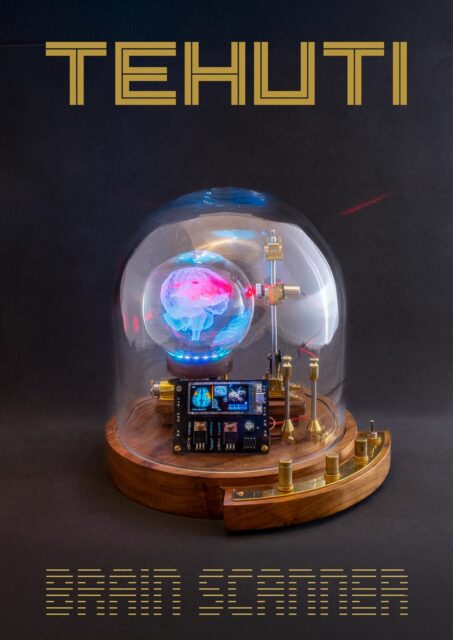
Where are your emotions located? Where reside your fears? Where are you in love? Advances in medical technology have radically changed our perception of the brain. Have you ever had a CT scan? Or an MRI?
The Tehuti Brain Scanner shows in spectacular fashion how these new techniques map your brain layer by layer, searching for the precise locations of your emotions, decisions and control of your muscles.
Tehuti without glass dome
In the “Full brain scan” mode, the laser starts at the bottom, at the brain stem. While the laser lights up a slice of the rotating brain, you see on the screen how the scan builds up. Once the picture is complete the scanner moves to the next layer. The menu dial offers 8 other modes that each simulate various types of scientific brain research, like “Emotion mapping”, “Brand recognition” and the “Trail-making test”.
Tehuti light patterns
When the Tehuti is not busy doing advanced brain science you can enjoy the intricate light patterns projected onto the ceiling.
For more information on the Tehuti Brain Scanner, visit the details page.
If you would like to see the Tehuti in action or have questions, please don’t hesitate to contact me.
Below, you can try out the new software for the Tehuti Brain Scanner. I’m working on a large variant that features a crystal ball with a diameter of 20 centimeters, twice the size of the standard Tehuti. However, a diameter twice as large means an increase in weight of about eight times. And then you suddenly have to start thinking carefully about stronger motors and a gradual acceleration and deceleration of the ball.
Long before we all had access to the internet, there was a small group of people worldwide who were able to make worldwide contacts and communicate. Unfortunately, there was no one in my area who was interested in this, but the idea always fascinated me immensely. The threshold for learning Morse code is unfortunately high and broadcasting on short and medium wave radio frequencies requires permits and exams. Too much effort in a time when we can make free and easy video calls to the entire world.
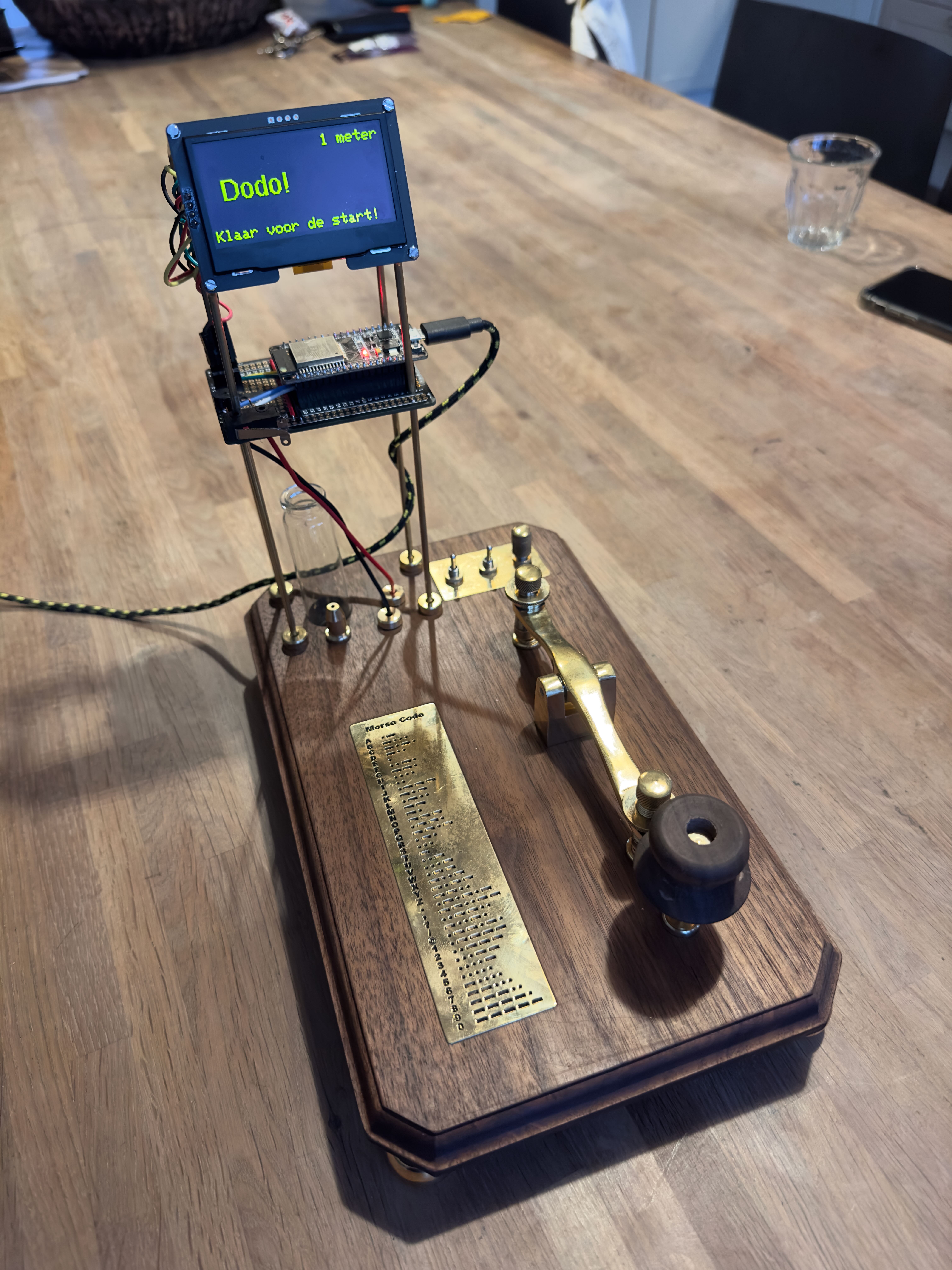
But my interest in classic Morse keys, the button with which you generate the short and long signals, has always remained. What I find beautiful is the precise adjustment options with which everyone can adjust such a simple push button completely to their own wishes: more or less counter-pressure and a longer or shorter path to the switching point. My self-designed Morse key has these adjustment options and uses magnets to provide the counter-pressure.
In order to make this classic Morse key usable for a large audience, I decided to combine it with the simple one-button game ‘Flappy Bird’. This game was a huge hit on mobile phones in 2013 and was created by Vietnamese programmer Nguyễn Hà Đông. However, this developer was so shocked by the overwhelming attention and the addictive nature of the game that he decided to remove the app from the Apple App Store and Google Play in February 2014.
My version of the game is graphically much simpler because it works on a monochrome display and is controlled by a microcontroller, which has much less processing power than a mobile phone. But I still managed to make it work smoothly. And the best part: when you play the game, to untrained ears it seems as if you are typing Morse code with the greatest of ease!
The name “Marconi” is a reference to the Italian Guglielmo Marconi, who is considered in the Western world to be the inventor of radio.
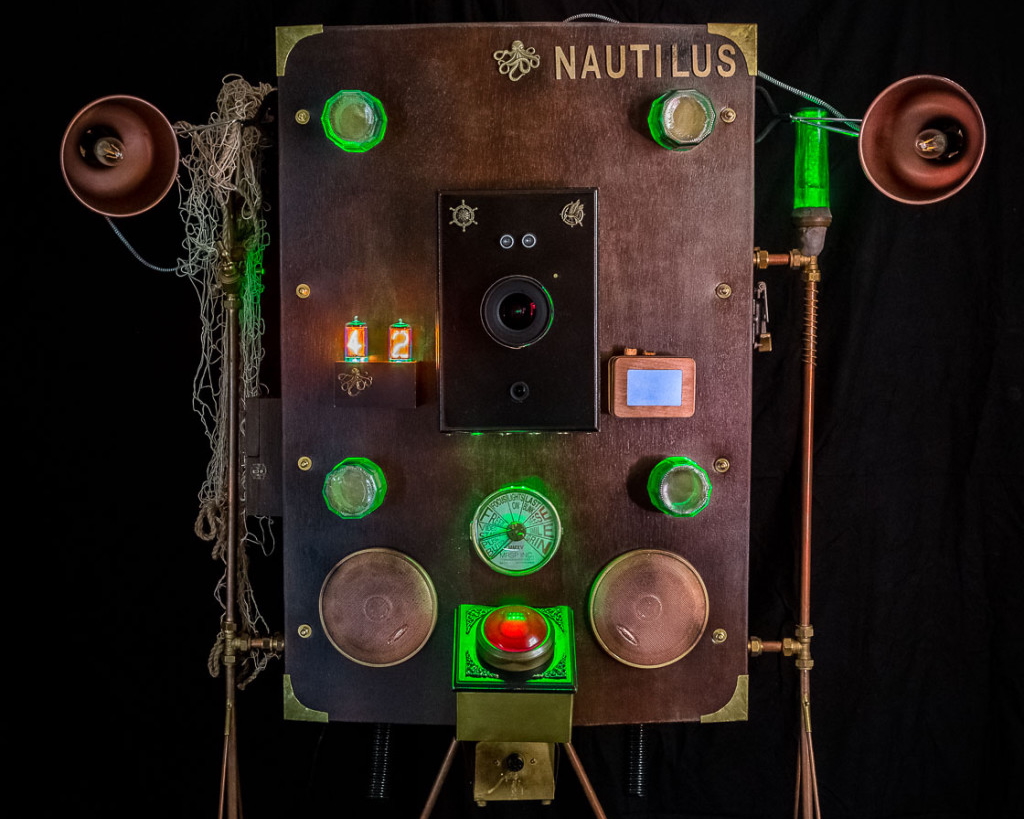
The Nautilus started with an online article by a German photographer on how he had wired a GoPro action cam with a big button and four lamps and put it in a plastic box to create a photo booth for a wedding. Shortly after I read this story, my sister announced that she was going to marry. Obviously I would shoot the wedding photographs – I was a photographer at the time – but such a photo booth seemed very appealing too, for guests to take their own pictures.
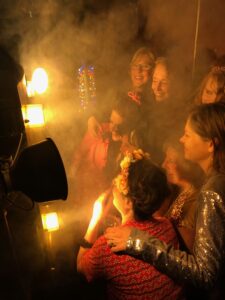
Group portrait
I didn’t have a GoPro lying around, but I had something better: an older Canon D40 DSLR camera, and a wide-angle lens. Wiring this was a bit more complicated though, especially when I thought it necessary to add a progress indicator, a tinkle bell and a smoke machine. I had heard about Arduino microcontrollers, but didn’t have any experience with them yet. Fortunately, it turned out to be quite easy to work with these. Adding some basic electronics wasn’t too hard either.
For some reason in my mind this machine needed to look like it was created by Jules Verne. So I created the body out of dark, curved wood panels with a supporting frame of copper tubes and brass couplings. The name is a direct reference to Jules Verne’s 1870 novel “20.000 Leagues Under the Sea”.
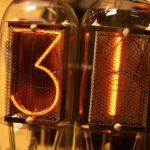
Nixie tubes
One of my favorite features of the Nautilus is the countdown block, formed by two numeric “nixie tubes,” old gas discharge tubes that contained the numbers 0 through 9. These number displays were used in NASA control centers, old nuclear power plants, and on the Wall Street stock exchange to display stock prices from the 1950s to the 1970s. They are difficult to combine with modern electronics because they operate on 180 volts DC, many times more than the usual 5 or 3.3 volts of modern microcontrollers. Also, nixies have not been manufactured for a long time. I bought mine in Ukraine, an old batch that had surfaced somewhere. I bought the 180 volt power supply in Switzerland and the special microchips to switch the high voltage of the letters on and off came from eBay. A nice story is that a young Czech started a small factory in 2017 to produce new nixies. He seems to be doing well.